Condition : Open box
Free Shipping
{{variant_type_name}} :

Notify me when the price drops
We will email you if we find a lower price on this product!
- STORE HOME
- new arrival
- CONTACT US
- ABOUT US
- ADD TO FAVS
- FEEDBACK
- Store Home
- iPhone iPad Accessory
- Cellphone Parts
- Laptop Fan
- Laptop Keyboard
- Laptop Hinges/Cable/Inverter
- Laptop Hard Drive Cover Caddy
- Laptop Parts - Others
- Computer Accessory
- TV/Monitor/Projector Parts
- Server Parts & HDD Caddy/Tray
- Philips Norelco & Sonicare
- Bluetooth Headset
- Laptop Power Jack Board
- Allen Bradley
- Remote Control
- Video Games Accessories
- Omron
- Smart Bracelets
- Replacement Band for Fitbit
- Adapter
- Hearing Assistance
- Business & Industrial
- Sporting Goods
- Consumer Electronics
- Other
OUR OPTIONS Zebra DS8108-SR00007ZZWW USB Corded Handheld Barcode Scanner 1D 2D w/ USB Cable ITEM DESCRIPTION
First-Time Connection steps
1. Connect the RJ41 end of the USB cable to the handle of the DS8108 scanner.
2. Connect the USB end of the cable to your computer's USB port.
3. The DS8108 will power up with a low/medium/high beep sequence
4. Pull the DS8108 trigger and confirm the illumination is present.
5. To test sending a barcode, open a text document in an application such as Microsoft Word or Notepad.
6. The scanned barcode will be displayed in the text document.
Package Included
1x DS8108 Barcode Scanner
1x USB Cable
- SKU #: Y.B.702 Shipping Weight: 11oz Net Weight: 10oz
- X-All
PAYMENT SHIPPING RETURNS ABOUT US STORE HOME ALL ITEMS CONTACT US ADD TO FAVS FEEDBACK Copyright © thinkpan. All rights reserved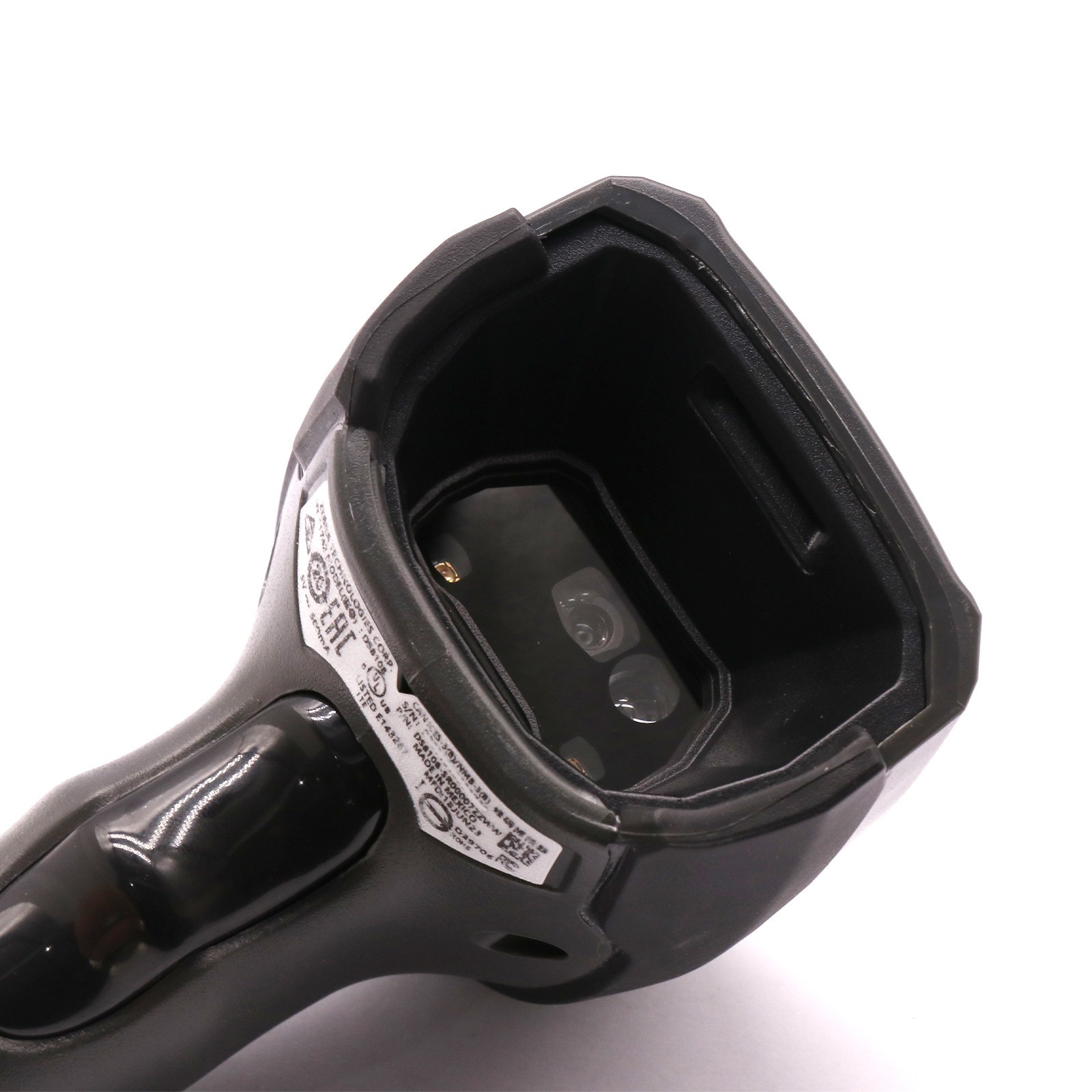
Price type
IN STOCK
OUT STOCK






 .
